Fast, in plain words. Built for people who are short of time, but still eager to read.
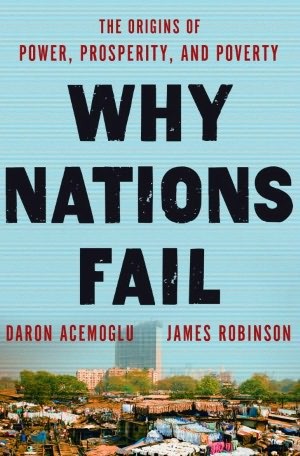
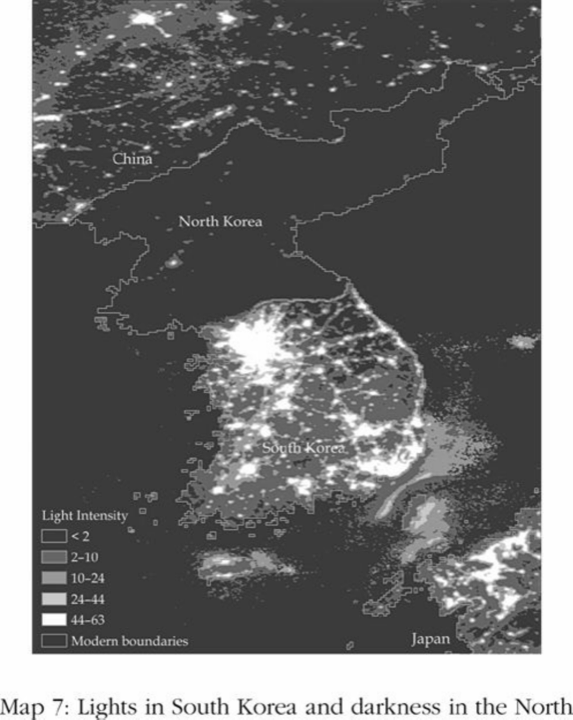
Nogales is one city cut in half by a fence. Same people, same weather, same food. North of the fence, three times the income.
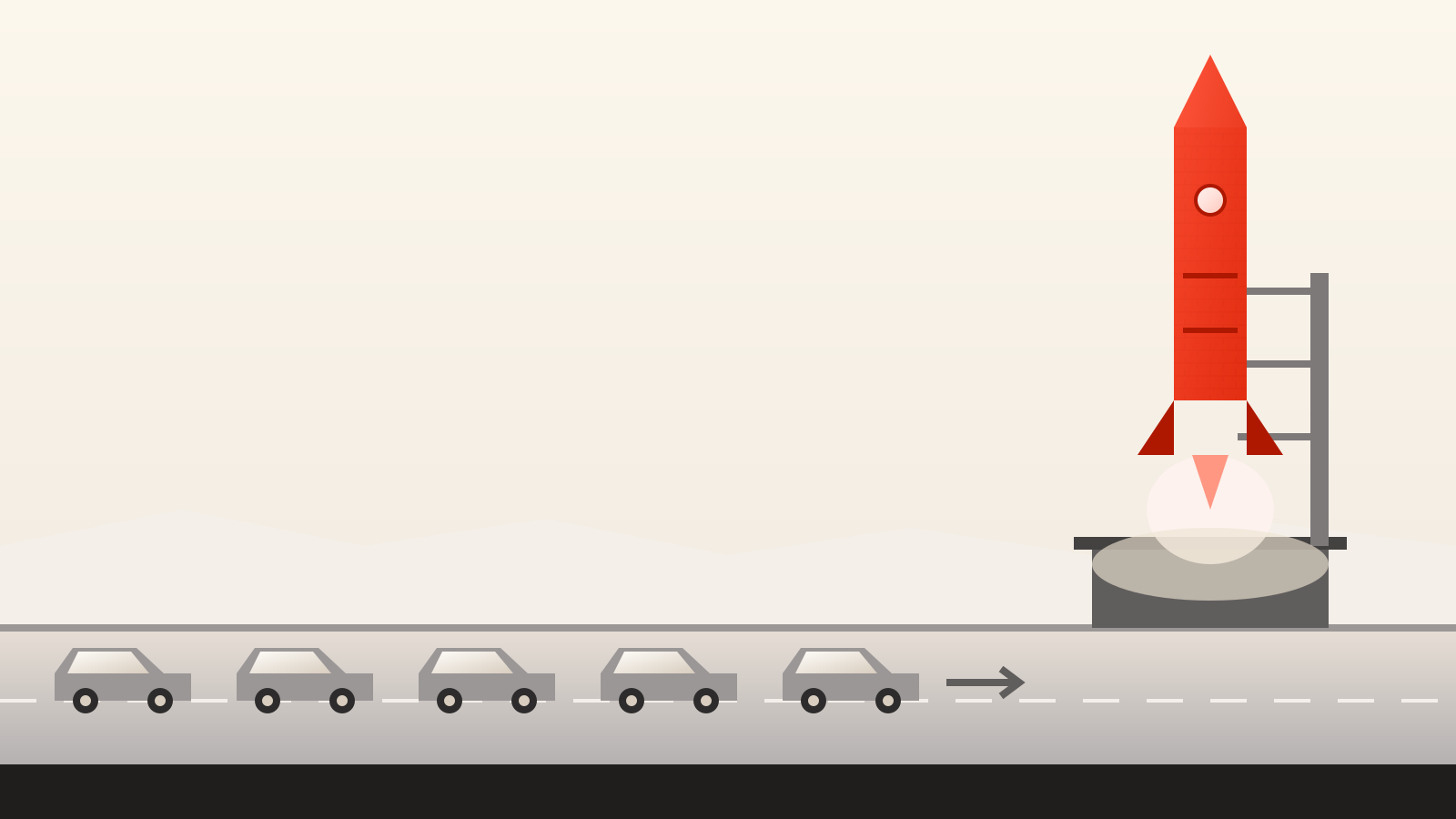
The difference is not the land. It is the rules.
Three things stop a good book, and none of them is willpower. There is never a clear hour. The pages are longer than the idea. And the writing was built to impress an editor, not to be understood after work.
The other nine are a monthly reminder that you meant well. Guilt is a bad bookmark.
You do have twenty minutes. Nobody wrote a book that fits into twenty minutes, so we did.
A hard sentence is not a deep idea. We put the idea in the words you actually use, and lose nothing on the way.
Read four parts of about five minutes each. Reach the end. Not a stack of cards, a whole book that happens to be short. The clock below runs as you scroll.
Nogales is one city cut in half by a fence.
Same people, same weather, same food. North of the fence, three times the income. The difference is not the land. It is the rules.
Notwithstanding the aforementioned asymmetries of capital allocation, the prudential investor must necessarily apprehend that the instrumentality of leverage, when deployed absent commensurate liquidity provisioning, precipitates a structurally adverse posture of indebtedness from which recovery is seldom expeditious.
Borrowing money you cannot cover is how people lose the house.
Debt is a tool. It only works while you still have cash coming in.
The same plain text, read aloud. The commute, the queue, the cooking, all of it counts as reading. Your place stays in step across both.
Mark the lines that stick as you read. Every highlight stays with the book, so a quick look back before your next chapter takes seconds.
Picture a street with six restaurants. All six serve the same food at the same price. None of them can raise a price, because the customer just walks next door.
That is competition. It feels safe because everyone is doing it. It is also the least profitable place a business can be. Every owner on that street works long hours and keeps almost nothing.
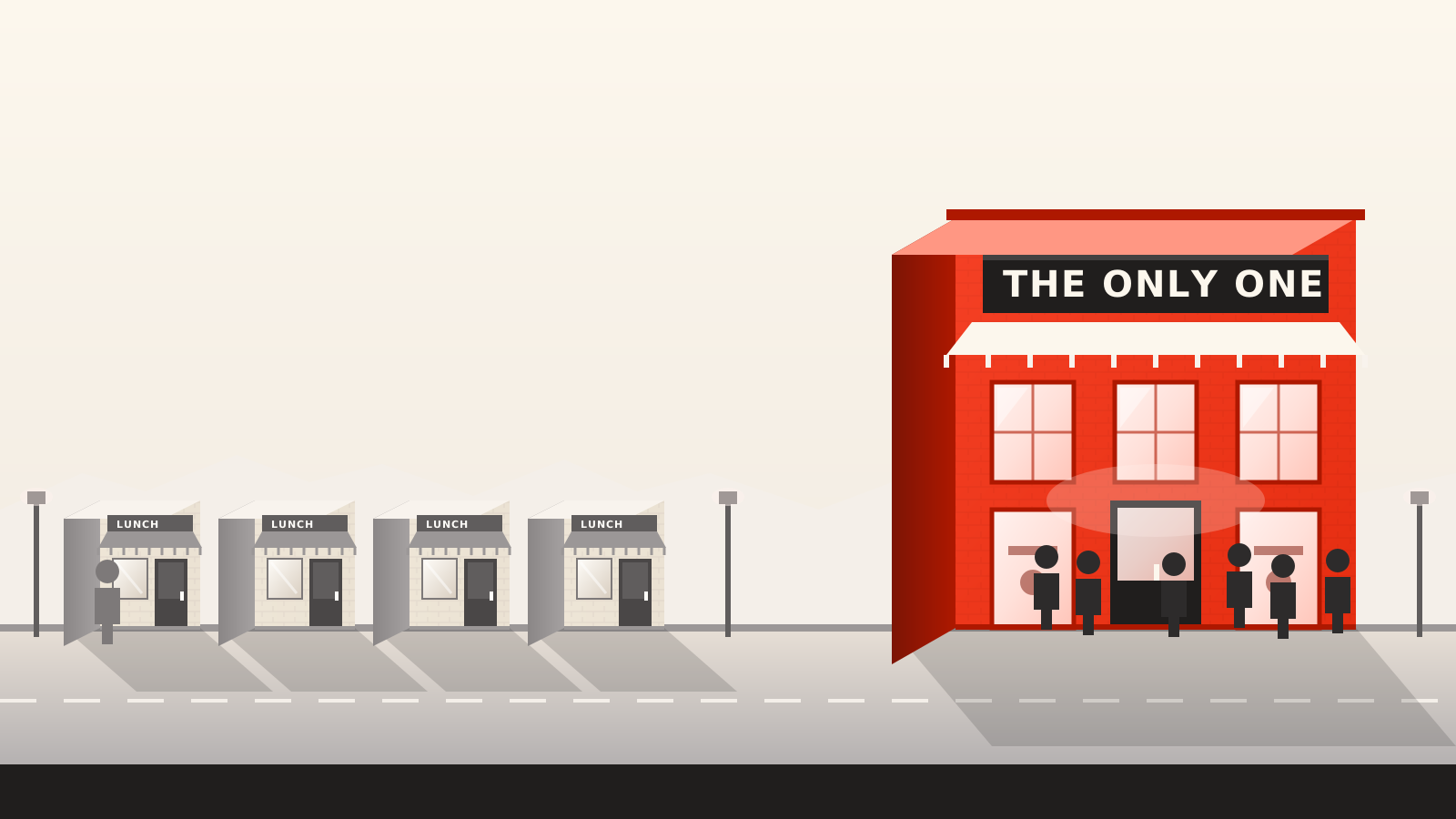
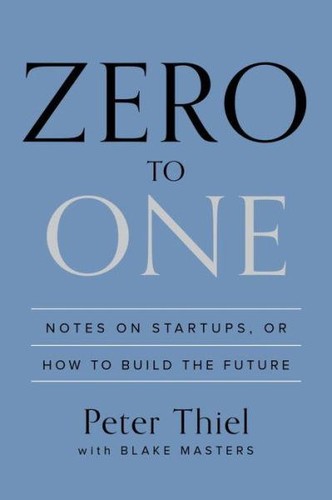
Thiel’s point is the opposite of the usual advice. Do not open the seventh restaurant. Open the one thing on the street nobody else can offer, and you get to set your own price.
He calls that a monopoly, and he means it as a compliment. A monopoly is a company so good at what it does that no other company offers a close substitute.
Google is his example. Since it stopped competing with Yahoo and Microsoft in search, it has kept more than a fifth of every dollar it takes in. An airline, fighting a dozen others for the same seat, keeps a few cents per passenger.
So the question for any new business is not how to beat the six restaurants. It is what you could build that makes the comparison pointless.
Scroll inside the card to read the whole part.

It is one continuous work that carries the whole argument of the book. Not a stack of loose cards, and not the original text. You start it, you finish it, and the ideas arrive in the order the author put them in.
No. The sentences get shorter, the argument does not. Nothing reaches a reader until every claim traces back to a line in the source, so the version that is easy to read is the version that is accurate.
Yes. Every part can be read or heard, and your place moves with you between the two.
The first 7 days are free and you can read a full book in them. After that it is one subscription for the whole library, cancelled from your Apple account whenever you like.
iPhone today. Everything you read is kept with your account, so the next platform picks up where you stopped.
Start with a full book, free for 7 days. Marco will keep your place.